Account & Subscription Management
Manage your profile, subscription status, upgrades, and billing options directly inside CCTrader.
Your profile settings allow you to manage your personal account information directly inside the CCTrader application.
Accessing Your Profile
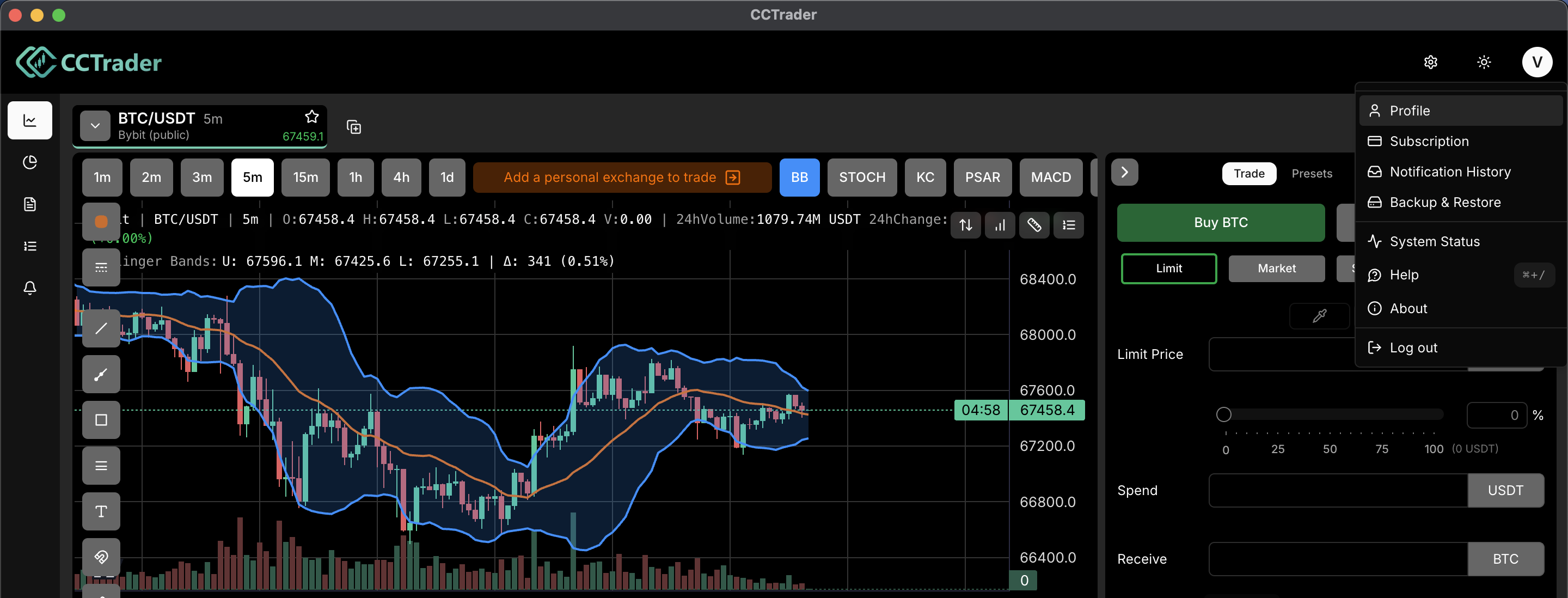
Open the Profile menu
Click your Profile icon in the top right corner of the screen.
Open Profile
Select "Profile" from the dropdown menu.
Profile window
The User Profile window will open.
Editing Your Profile Information
Within the Profile window, you can manage the following details:
Display Name
Click the edit icon to update your display name.
Email Address
Click the edit icon to change your email address.
Country
Update your country if needed.
After making changes, confirm your update to save the new information.
Changing Your Password
Enter a new password
Enter your new password in the "Enter new password" field.
Confirm password
Confirm your new password in the confirmation field.
Save
Click the confirmation button to save your new password.
Tip: For security reasons, choose a strong password that you do not use on other platforms.
Account Details
At the bottom of the Profile window, you will find your Account Details.
Account Created
The date your CCTrader account was created.
User ID
Your unique account identifier.
Your User ID may be requested by support when troubleshooting account-related issues. All profile changes are updated instantly within the application.